Practice Operations
After-Hours Voice AI vs. Answering Services
After-hours patient calls need more than message-taking. Compare voice AI and answering services by workflow, escalation, documentation, and outcomes.
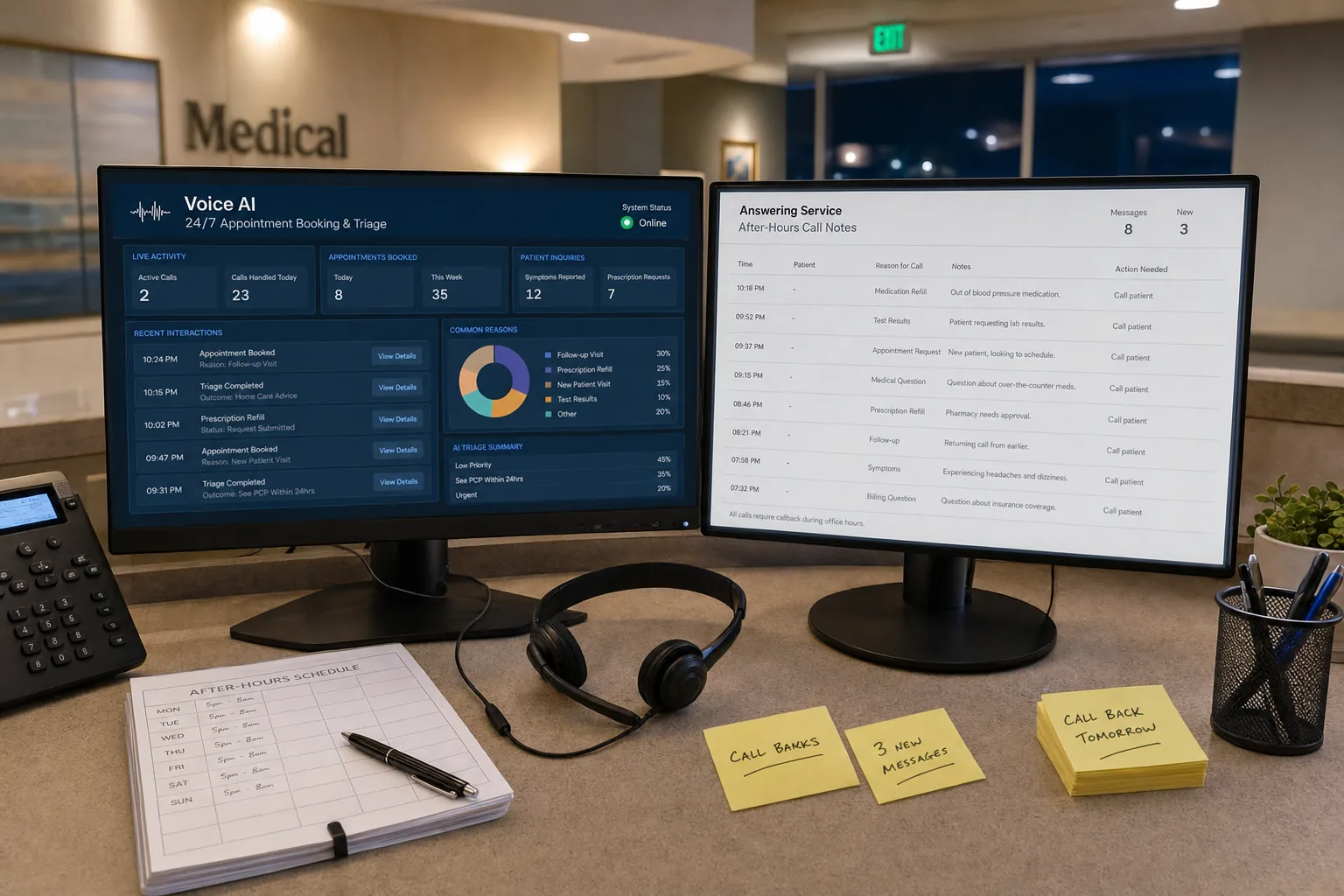
Patients do not stop needing answers when the front desk closes. They may need to schedule, request a refill, ask about a record, or reach the on-call team. The right after-hours model depends on which of those workflows a practice can safely automate.
Message-taking is not resolution
An answering service generally captures a message and sends it to staff. A voice AI workflow can ask structured questions, retrieve permitted information, complete routine actions, and hand off exceptions. Neither model should make clinical decisions or replace an on-call clinician.
Compare options on:
- Whether the system can access the EHR
- Which routine requests it can complete
- How urgent calls are escalated
- Whether interactions are documented
- How quickly staff can review exceptions
Use your own call mix
There is no universal after-hours call mix. Export your own call logs, classify requests, and report the sample period and definitions. Percentage tables from other practices are not a substitute for that data.
For a worked example, assume 40 after-hours calls in a week, with 10 routine scheduling calls and 30 requests that require staff review. If automation completes eight scheduling calls and routes the other 32 safely, the result is eight completed after-hours scheduling interactions, not a claim about every practice.
Safety and escalation
Urgent symptoms should follow the practice’s approved protocol. The AI should identify the escalation path, transfer or page according to that protocol, and document the interaction. It should not diagnose, provide treatment recommendations, or imply that a message is an adequate response to an emergency.
What reported results can tell you
Pretty Good AI reports 13% of appointments booked after-hours and 50%+ call auto-resolution in approximately 30 days from a large multi-location practice. Results vary by workflow, staffing, seasonality, and call mix. Treat those as reported results, not a forecast for a new deployment.
Implementation
Start with one low-risk workflow, define escalation rules, test with staff, and review every exception. Keep an answering service as a backup only if the practice’s risk assessment requires it. Expand after measuring completed tasks, escalations, documentation quality, and patient feedback.
Frequently asked questions
How should a practice compare costs?
List the answering service fee, internal callback time, and any software or telephony costs. For an illustrative model, assume 20 calls per night, five nights per week, and five minutes of staff callback time per message. Multiplying the observed time by the practice’s blended labor rate produces a planning estimate tailored to that practice.
Can voice AI schedule after hours?
Where the integration and workflow allow it, voice AI can handle routine scheduling and confirmations while routing exceptions to staff. Verify the exact permissions and booking rules before launch.
What happens with urgent calls?
The workflow should identify the practice’s urgent-call triggers and use the configured transfer or escalation path. Clinical responsibility remains with the practice.
After-hours automation is strongest when it is narrow, measurable, and connected to a safe human escalation path.
See How It Works in Your Practice
A 15-minute live demo shows voice AI handling a real patient call, scheduling, insurance verification, and EHR lookup. No slides, no pitch deck.
Book a 15-Minute Demo →Written by Kevin Henrikson