ROI Analysis
What Manual Prior Authorization Really Costs
Manual prior authorization creates hidden labor and delay costs. Learn how to model your practice burden, identify workflow gaps, and evaluate automation.
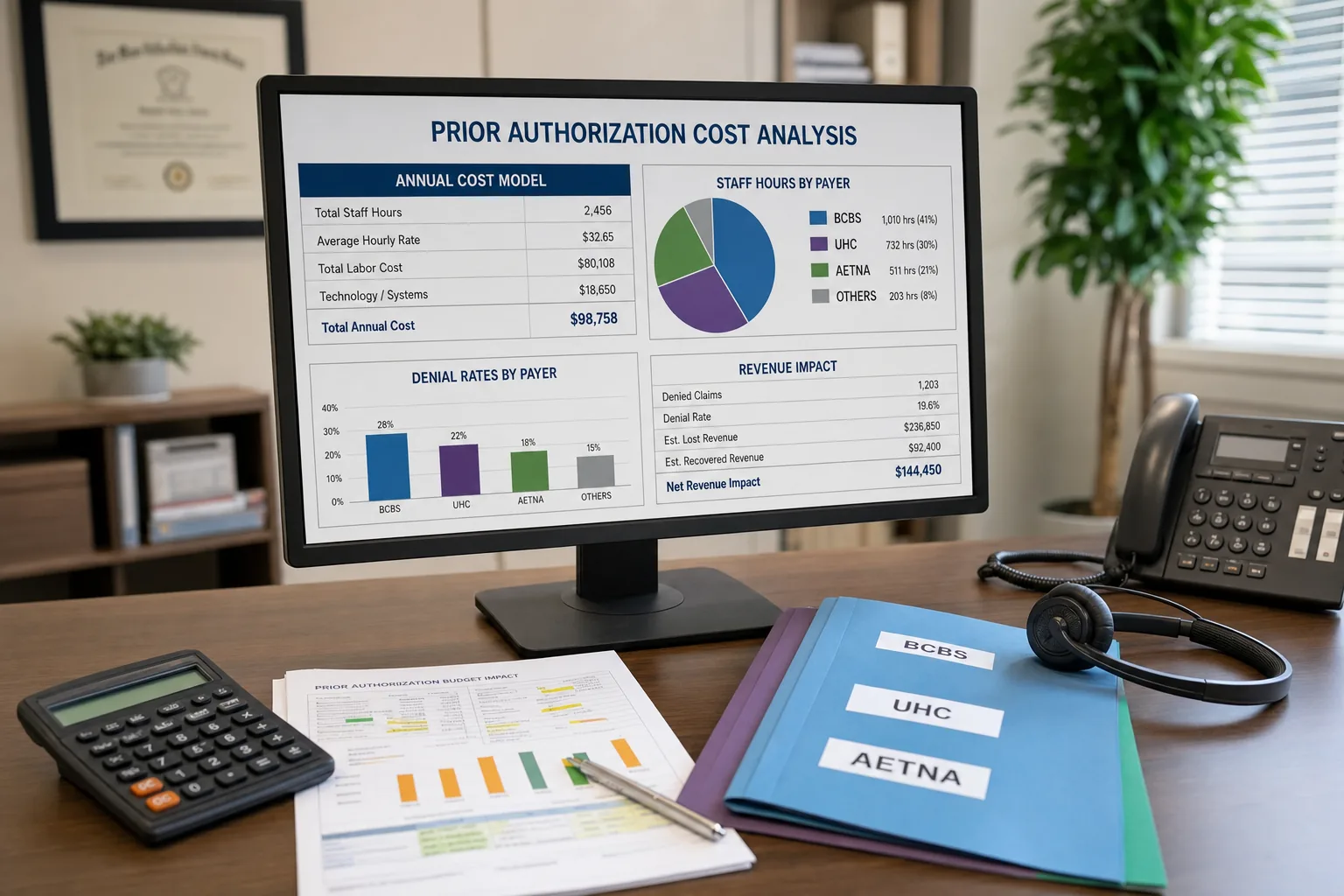
Your prior auth specialist just spent another stretch of the day on hold with an insurer. While she waited, patients called about delayed procedures and new tasks accumulated in the queue.
If you run a medical practice, you know prior authorization is broken. What is harder to see is the operational burden behind each request. The figures below show how to calculate that burden with a clearly defined planning example.
Build a practice-specific cost model
Labor cost
Use your own workflow data. For a worked example, assume a practice with five providers, 13 combined physician and staff hours per provider per week spent on prior authorization, and a blended labor rate of $35 per hour. The AMA’s prior authorization survey reports 13 hours per week as a physician-and-staff baseline for its surveyed physicians (AMA prior authorization physician survey).
The calculation is:
5 providers × 13 hours × $35/hour × 52 weeks = $118,300 per year
That is a planning example rather than a measured cost for every practice. Your own hours and rate will make the estimate more useful, especially when documentation, follow-up, appeals, and patient status calls are tracked separately.
Delay and rework
Delayed procedures and denials need practice data before they can support revenue estimates. Start by measuring:
- Days from order to authorization decision
- Staff and provider time per request
- Requests requiring additional documentation
- Denials and appeals by payer
- Patient calls asking for status
Those measures show where work is accumulating and which steps are suitable for automation.
Why manual processing fails
Your staff is not the problem. The process is fragmented: someone identifies the requirement, gathers clinical documentation, submits the request, checks status, responds to payer questions, and updates the patient. Each handoff creates another opportunity for delay.
The AMA survey provides national context on prior authorization burden and care delays. Your practice’s own time study shows how that burden appears in daily operations. For the national picture behind the model, see what the weekly authorization load looks like across physicians.
Where automation can help
Automation can identify routine requests, gather information already in the EHR, track status, and surface exceptions for staff review. It should not make clinical-necessity decisions or remove human review from ambiguous cases.
For patient communications, Pretty Good AI’s customer-reported results include 50%+ call auto-resolution reported in approximately 30 days and measurable ROI in approximately 30 days. Results vary by workflow, staffing, seasonality, and call mix; those figures do not establish a prior-authorization savings percentage.
A safer ROI conversation
Start with a baseline period and compare like-for-like measures:
- Hours per authorization and hours per appeal
- Time from request to payer decision
- Volume of patient status calls
- Number of requests completed without rework
- Staff time redirected to exceptions
A worked example can then compare assumed software cost with assumed labor time released. Keeping every input visible and showing the arithmetic makes the resulting estimate useful without treating it as an industry benchmark or customer result.
What to look for in a prior auth workflow
A useful solution should connect to the systems your practice already uses, keep a complete activity history, route exceptions to staff, and make patient status easy to retrieve. Ask vendors to distinguish documented customer results from projections based on your assumptions.
Prior authorization is a coordination problem as much as a form problem. Better intake, status tracking, and escalation can reduce avoidable work while preserving clinical judgment where it belongs.
Sources:
See How It Works in Your Practice
A 15-minute live demo shows voice AI handling a real patient call, scheduling, insurance verification, and EHR lookup. No slides, no pitch deck.
Book a 15-Minute Demo →Written by Kevin Henrikson